Running large language models locally using Ollama is highly efficient, but the real power comes from integrating these models into your own applications. Because Ollama runs a background service that exposes a local REST API, you can easily connect it to Python scripts for tasks like text parsing, code generation, and agents.
In this guide, we'll implement step-by-step integrations with the local Ollama API using Python, covering streaming outputs and JSON schemas.
1. Connecting via the Official Ollama Python SDK
The easiest way to communicate with Ollama in Python is by using the official SDK. Install the package using pip or uv:
pip install ollama
Now, let's write a basic script to query our model (e.g., Llama 3.1 or Qwen 2.5 Coder) and generate a response:
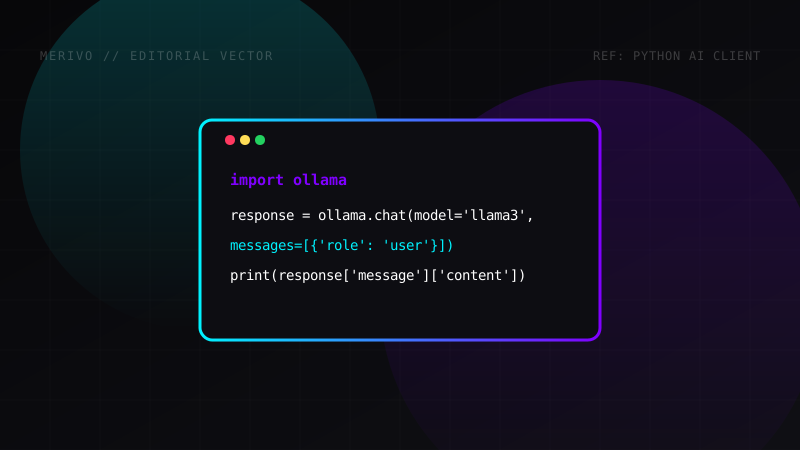
import ollama

response = ollama.chat(model='llama3.1', messages=[
    {
        'role': 'user',
        'content': 'Write a Python function to compute the Fibonacci sequence.',
    },
])

print(response['message']['content'])
The SDK automatically serializes inputs and returns a structured dictionary containing model metadata and generated tokens.
2. Streaming Token Outputs in Real-Time
For long-form writing or code generation, waiting for the model to finish processing before showing the response creates a slow user experience. We can stream tokens in real-time as the local GPU generates them:
import ollama

stream = ollama.chat(
    model='llama3.1',
    messages=[{'role': 'user', 'content': 'Explain quantum computing in three paragraphs.'}],
    stream=True,
)

for chunk in stream:
    print(chunk['message']['content'], end='', flush=True)
print() # Add a final newline
This returns tokens character-by-character, mimicking standard commercial chat interfaces.
3. Direct HTTP Requests (Without the SDK)
If you prefer to avoid third-party dependencies, you can communicate directly with Ollama's HTTP server running on port 11434 using Python's built-in urllib or the requests library.
Here is how to query the /api/generate endpoint using the requests package:
import requests
import json

url = "http://localhost:11434/api/generate"
payload = {
    "model": "llama3.1",
    "prompt": "List 3 high-intensity exercises.",
    "stream": False
}

headers = {
    "Content-Type": "application/json"
}

response = requests.post(url, headers=headers, data=json.dumps(payload))
result = response.json()

print(result['response'])
Technical Parameter Specifications
When creating custom agent tasks, adjusting the generation parameters directly impacts output speed and quality. Here is a reference table for key parameters:
| Parameter | Type | Default | Description |
|---|---|---|---|
temperature |
float | 0.8 | Controls randomness. Lower values make responses more predictable. |
top_p |
float | 0.9 | Nucleus sampling. Limits choices to high-probability tokens. |
num_ctx |
int | 2048 | Sets context window length (token memory). |
num_predict |
int | -1 | Maximum number of tokens to predict in output. |
You can feed these parameters directly into the SDK's options:
response = ollama.generate(
    model='llama3.1',
    prompt='Write a short sci-fi plot hook.',
    options={
        'temperature': 0.3,
        'num_ctx': 4096
    }
)