Your physical environment directly dictates your mental focus. A cluttered, disorganized desk setups leads to cognitive overload and muscle fatigue. Conversely, a clean, minimal workspace can double your creative output and keep you focused for longer hours.
In this guide, we'll walk through the fundamentals of building a high-efficiency desk setup.
1. Ergonomic Placement: The Core Foundation
Before buying desk organizers and LED strips, you must ensure your setup is physically healthy:
- Desk Height: Your elbows should be at a 90-degree angle when typing. Your wrists should remain completely flat, not angled upward.
- Monitor Height: The top third of your monitor screen should be at eye level. This prevents neck strain and prevents slouching.
- Chair Support: Invest in a chair with active lumbar support. Avoid gaming bucket chairs; choose ergonomic mesh chairs like the Herman Miller Aeron or Steelcase Gesture.
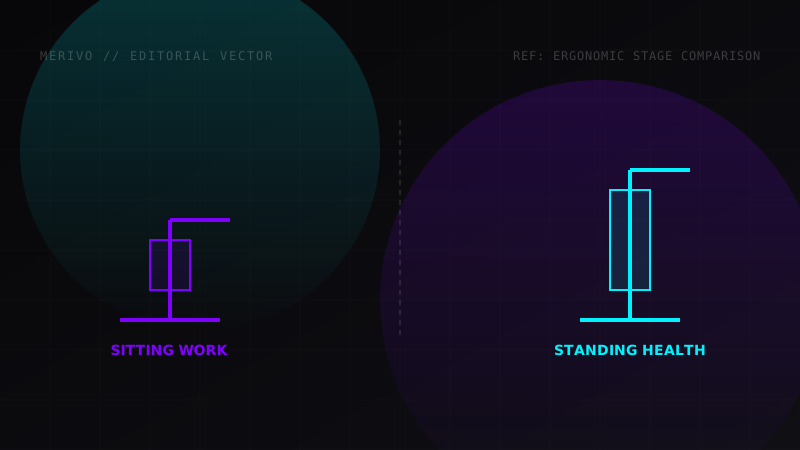
[!IMPORTANT] Sitting for 8+ hours a day is a major health hazard. Consider investing in a standing desk converter or motorized desk (like a Jarvis or Uplift Desk) to alternate between sitting and standing every 60 minutes.
2. Cable Management: Out of Sight, Out of Mind
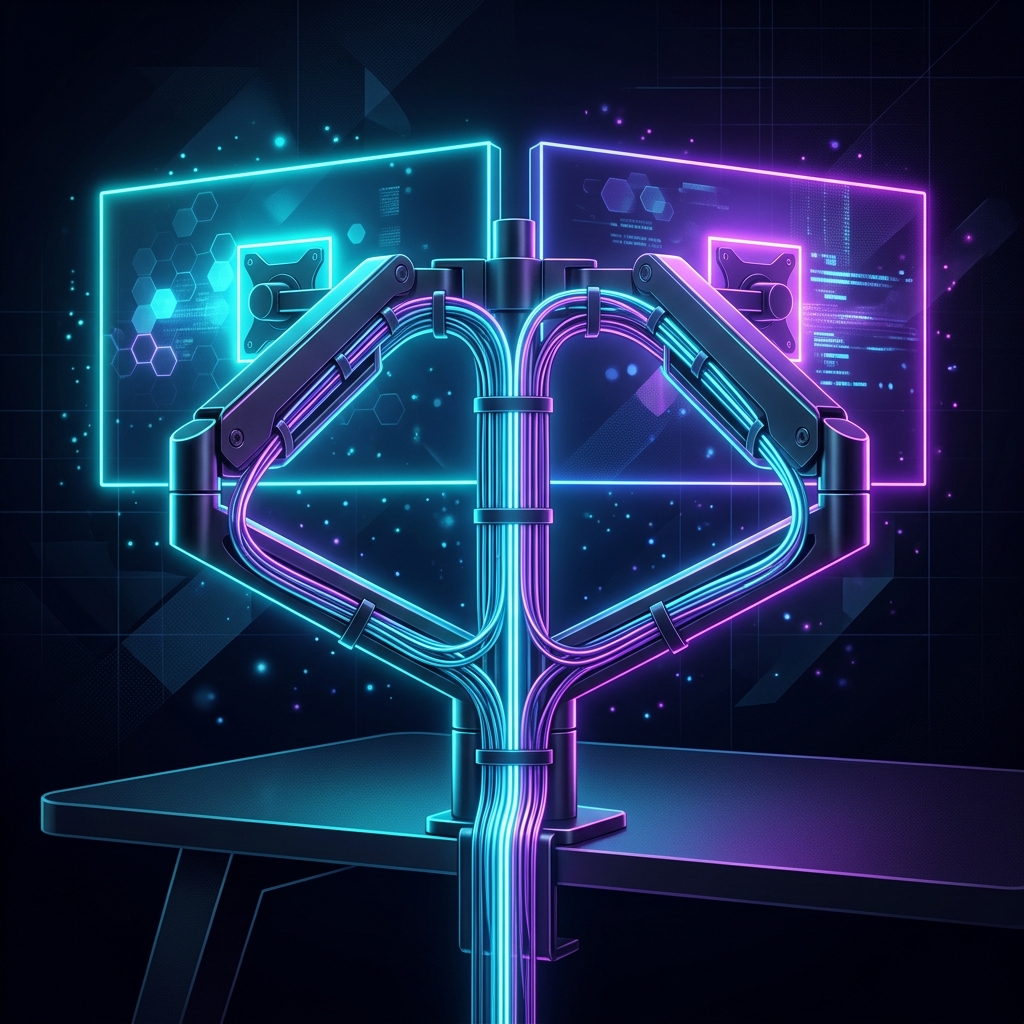
The biggest culprit of visual clutter is cable management. Here is a simple checklist to get it under control:
- Under-Desk Tray: Mount a cable tray or basket (like the IKEA Signum) to the underside of your desk to house power strips.
- Adhesive Anchors: Use adhesive cable clips to route mouse, keyboard, and monitor wires along the back legs of your desk.
- Sleeving: Bundle multiple cables running from your PC to your monitor in a single neoprene cable sleeve.
Workspace Hardware Recommendations
| Component | Choice | Reason | Price Class |
|---|---|---|---|
| Desk | Uplift V2 Solid Wood | Sturdy motor, highly customizable | Premium |
| Chair | Herman Miller Aeron | Industry standard mesh ergonomics | Ultra-Premium |
| Monitor | Dell UltraSharp 32" 4K | USB-C hub built-in, outstanding colors | High-End |
| Light | BenQ ScreenBar | Reduces screen glare, saves desk space | Mid-Range |