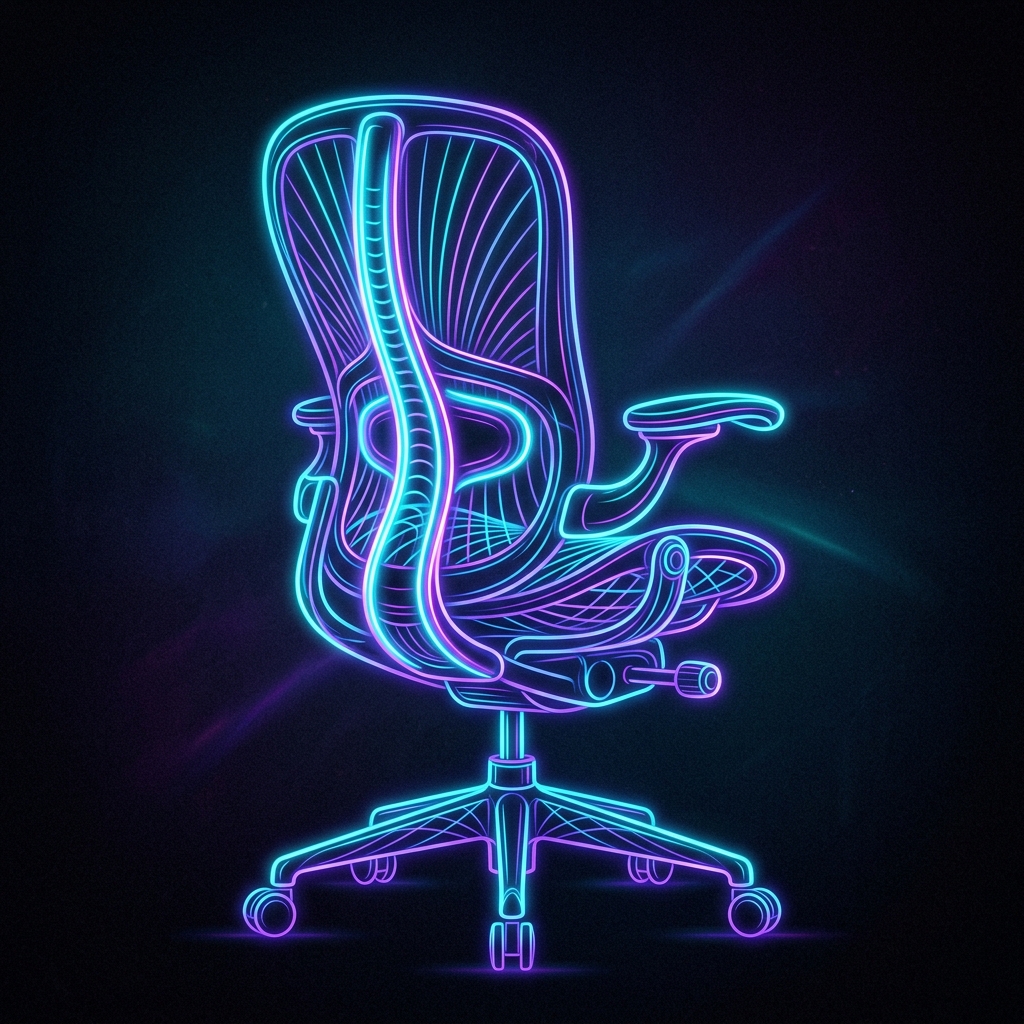
Sitting at a desk for 8 to 10 hours a day coding or writing puts extreme pressure on your spine. Traditional office chairs offer static backrests, which can cause poor posture, lower back fatigue, and shoulder strain.
Investing in a high-quality ergonomic office chair is the most critical health upgrade for your home office.
In this guide, we will evaluate the top ergonomic chairs of 2026, comparing their adjustments, comfort levels, and warranties.
Ergonomic Specifications Matrix
| Chair Model | Lumbar Adjustability | Armrest Options | Cushion Style | Warranty | Price Class |
|---|---|---|---|---|---|
| Herman Miller Aeron | Dynamic PostureFit SL | 3D Adjustable | Pellicle Mesh | 12 Years | Premium ($$$) |
| Steelcase Gesture | Lumbar height adjustment | 4D Movable | High-density Foam | 12 Years | Premium ($$$) |
| Autonomous ErgoChair | Manual sliding support | 2D Adjustable | Standard Foam | 2 Years | Mid-Range ($$) |
| Hinomi H1 Pro | Tri-panel adaptive back | Folding 3D armrests | Double-layer Mesh | 10 Years | Mid-Range ($$) |
1. Herman Miller Aeron (The Industry Standard)
The Herman Miller Aeron is a masterclass in industrial design. Rather than relying on traditional foam cushions, it uses Pellicle mesh, which distributes body weight evenly and keeps you cool.
The PostureFit SL lumbar system uses two adjustable pads that support the sacrum (base of the spine) and the lumbar curve.
- Limitation: The hard plastic rim around the seat pan limits seating positions, making it uncomfortable if you like to sit cross-legged.
2. Steelcase Gesture (The Ultimate Adjustment)
The Steelcase Gesture is designed to support dynamic seating postures. It features a flexible backrest that tracks your movements.
Its 4D armrests are the best on the market, adjusting inward and outward to support your arms when reading or typing.
- Benefit: The flat seat cushion lets you sit in any posture without restriction.
3. Autonomous ErgoChair (Value Choice)
If you are looking for a cost-effective option, the Autonomous ErgoChair offers a mesh back, headrest, and adjustable lumbar support. While its frame is plastic, the ergonomics are sufficient for 6-8 hour work sessions.
Guide: How to Adjust Your Chair for Ideal Posture
Regardless of the chair you buy, you must configure it to match your body dimensions:
- Elbow Alignment: Set the armrest height so your elbows bend at exactly 90 degrees while your hands rest on your keyboard. Your shoulders should remain relaxed.
- Foot Placement: Adjust the seat height so your feet rest flat on the floor. Your knees should align horizontally with or slightly below your hips.
- Seat Depth: Maintain a two-inch gap between the front edge of the seat cushion and the back of your knees to prevent restricting blood circulation in your legs.
- Tilt Tension: Set the tilt tension so you can recline slightly with minimal effort, allowing your muscles to move dynamically.