Publishing platforms like Substack and Medium are great for starting out, but they charge transactional fees and limit your styling options. Ghost is a premier open-source publishing platform. By self-hosting it via Docker, you retain 100% of your subscriber data and custom configurations.
Docker Compose Setup for Ghost
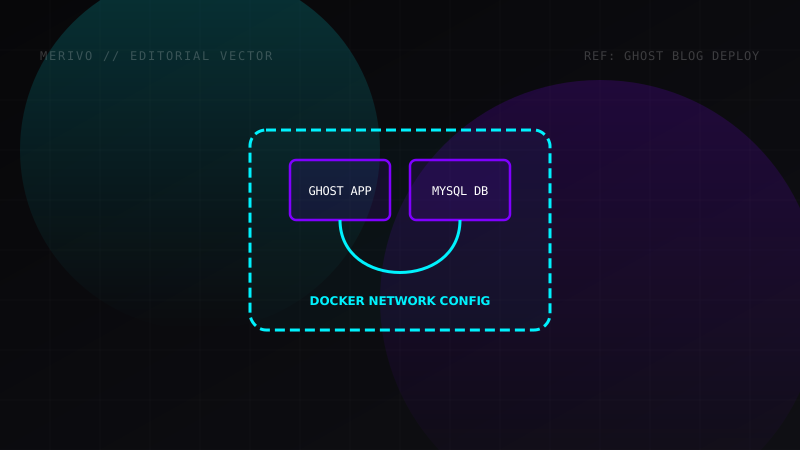
To ensure production-grade reliability, we will run Ghost using MySQL as our database backend instead of SQLite. This handles thousands of active visitors without locking transactions.
Create a directory named ghost-blog and place this docker-compose.yml inside it:
version: '3.8'

services:
  ghost-db:
    image: mysql:8.0
    container_name: ghost_mysql
    restart: always
    environment:
      MYSQL_ROOT_PASSWORD: secure_root_password_here
      MYSQL_DATABASE: ghost_prod
      MYSQL_USER: ghost_user
      MYSQL_PASSWORD: secure_user_password_here
    volumes:
      - ghost_db_data:/var/lib/mysql

  ghost:
    image: ghost:5-alpine
    container_name: ghost_app
    restart: always
    depends_on:
      - ghost-db
    ports:
      - "2368:2368"
    environment:
      - database__client=mysql
      - database__connection__host=ghost-db
      - database__connection__user=ghost_user
      - database__connection__password=secure_user_password_here
      - database__connection__database=ghost_prod
      - url=https://blog.yourdomain.com
    volumes:
      - ghost_content:/var/lib/ghost/content

volumes:
  ghost_db_data:
  ghost_content:
Deployment and Reverse Proxy Configuration
To spin up your Ghost blog, execute the docker-compose command:
docker compose up -d
Your database and blog applications are now initialized. However, the site is exposed raw on port 2368. To secure it with HTTPS SSL, place a Caddy configuration file in your server:
blog.yourdomain.com {
    reverse_proxy localhost:2368
}
Run Caddy to get auto-renewing SSL certificates.
Essential Configurations
Once you log in at https://blog.yourdomain.com/ghost, navigate to the settings pane:
- Configure Mail (SMTP): If you plan to send newsletters, configure Ghost to use Mailgun or another SMTP service.
- Backups: Schedule a weekly cron job to backup the
ghost_contentvolume and dump the MySQL database to prevent data loss.