Enterprise CRMs like Salesforce or HubSpot are complex and cost hundreds of dollars monthly. For a solopreneur, a custom-built Airtable database is lighter, faster, and highly configurable. Here is how to set up your leads pipeline and configure automations.
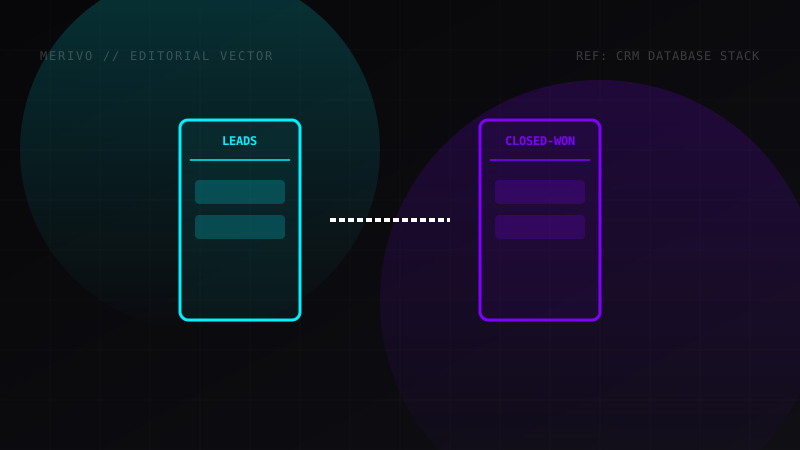
CRM Database Schema Architecture
A clean CRM requires relational links. Create these tables:
1. Leads Table
- Company Name (Single line text)
- Contact Name (Single line text)
- Email (Email type)
- Status (Single Select: New Lead, Contacted, Proposal Sent, Negotiating, Closed Won, Closed Lost)
- Interactions (Link to Interactions Table)
- Next Follow Up (Date field)
2. Interactions Table
- Lead Link (Link to Leads Table)
- Type (Single Select: Email, Call, Meeting)
- Date (Date & Time field)
- Notes (Long text)
Dynamic Formulas: Calculating Deal Health
To monitor pipeline health, you can calculate the age of a lead using Airtable formulas. Add a formula field named Lead Age (Days) with:
DATETIME_DIFF(TODAY(), {Created Date}, 'days')
This calculates how many days have elapsed since the lead entered the database, allowing you to trigger reminder alerts if a lead has sat in "New" status for more than 7 days.
Automating Outreach and Alerts
Inside Airtable, click on the Automations tab. We will build a flow that triggers when a Lead changes status:
- Trigger: When record matches conditions (e.g., status is "Closed Won").
- Action 1 (Slack): Send a message to team channel: "New Deal Closed: {Company Name} - Value: ${Deal Value}".
- Action 2 (Gmail): Send a dynamic onboarding email to the client using variables like
{Contact Name}and{Company Name}.
This ensures that clients get onboarded instantly, reducing churn risk and maintaining a professional appearance.